

Ultimate Guide to Smart Locks with Fingerprint Technology
Introduction to Smart Locks with Fingerprint Technology
Smart locks with fingerprint technology are revolutionizing home and office security by combining convenience, enhanced protection, and cutting-edge biometrics. These intelligent devices leverage fingerprint authentication to grant secure access without the hassle of traditional keys or codes. In this article, we explore the advantages, features, installation tips, and the best products available in the market including the innovative offerings from Akada Smart’s Intelligent Fingerprint Lock series.
What is a Smart Lock with Fingerprint Technology?
A smart lock with fingerprint technology is an electronic lock that uses biometric fingerprint recognition to control access. Unlike traditional locks that require physical keys, these locks scan and verify fingerprints, allowing authorized users to unlock doors with a touch. This technology reduces the risk of unauthorized entry and provides an effective way to monitor and control access.
Advantages of Fingerprint Smart Locks
- Enhanced Security: Fingerprint recognition is difficult to forge, providing superior protection against lock picking and unauthorized duplication.
- Convenience: No need to carry keys or remember codes; your fingerprint is always with you.
- Access Control: Easily add or remove users and track entry logs through connected apps.
- Durability: Built with robust materials and weather-resistant designs for long-lasting performance.
- Integration: Often compatible with smart home systems for seamless automation.
How Does a Smart Lock with Fingerprint Technology Work?
The lock scans a user’s fingerprint using a high-resolution sensor and compares it to stored templates in its internal memory. Once the fingerprint is authenticated, the lock mechanism disengages, allowing the door to open. Advanced models use NIST-validated fingerprint scanning algorithms to ensure high accuracy and prevent false acceptance.
Key Features to Consider When Choosing a Fingerprint Smart Lock
- Fingerprint Capacity: Maximum number of fingerprints the lock can store.
- Battery Life: Longevity of battery with typical use and battery type.
- Connectivity: Bluetooth, Wi-Fi, or Zigbee integration for remote access.
- Backup Access: Alternative unlocking options like keys or PIN codes.
- Installation: Ease of installation and compatibility with existing doors.
- Build Quality: Materials, waterproof & tamper-resistant certifications.
Popular Smart Lock Models with Fingerprint Technology
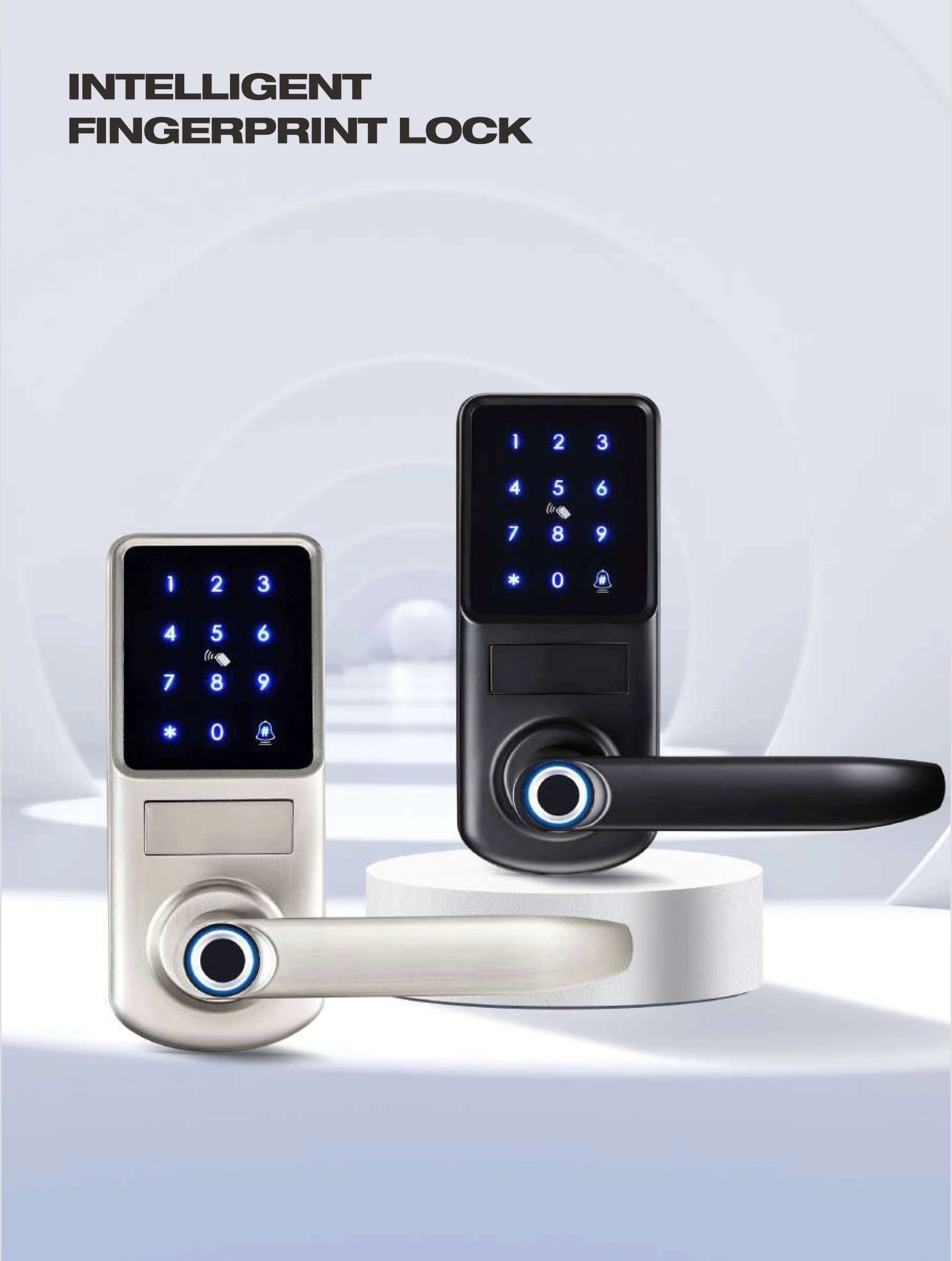
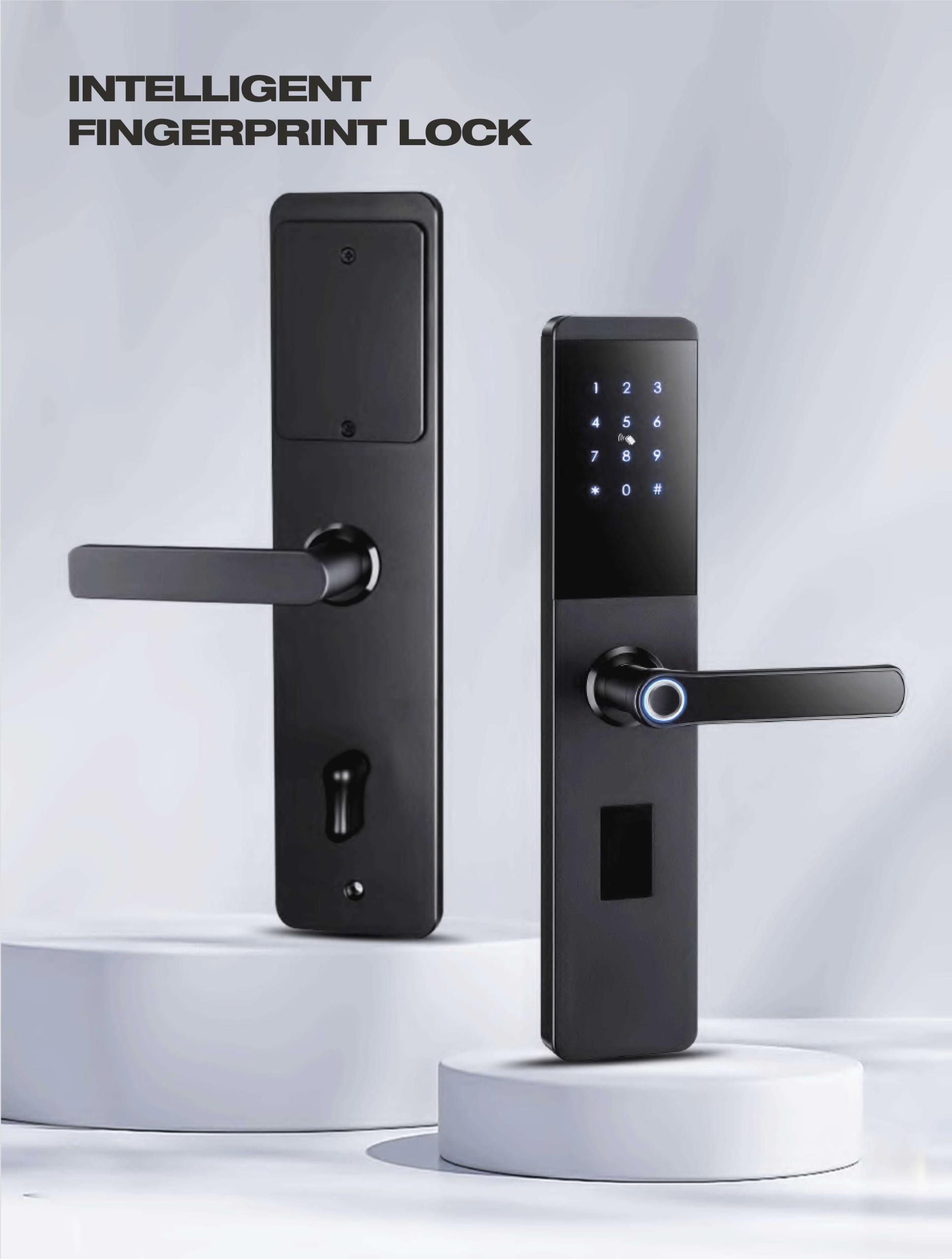

Check out the full range of Intelligent Fingerprint Lock Series by Akada Smart to find a model that perfectly fits your security needs.
Installation and Maintenance Tips
Installing a fingerprint smart lock is typically straightforward but here are some best practices:
- Assess Door Compatibility: Ensure the lock matches your door size and thickness.
- Follow Manufacturer Instructions: Use included templates and hardware for proper installation.
- Register Fingerprints Thoroughly: Scan multiple angles of your fingerprints for reliability.
- Regularly Update Firmware: Maintain security by updating software when available.
- Battery Maintenance: Replace batteries timely and keep spares handy to avoid lockouts.
Common Misconceptions About Fingerprint Smart Locks
- Myth: Fingerprint locks can be easily hacked.
Fact: Advanced biometric locks use encrypted data and anti-spoofing technology to resist hacking attempts. - Myth: Fingerprint scanners do not work with wet or dirty fingers.
Fact: Modern sensors are designed to read fingerprints in most conditions, though clean fingers improve accuracy. - Myth: Installation is complicated.
Fact: Many smart locks are designed for DIY installation and come with detailed guides.
How to Choose the Right Smart Lock for Your Needs
Choosing the perfect fingerprint smart lock involves considering your security preferences, door type, budget, and smart home ecosystem compatibility. For an easy start, Akada Smart provides a variety of locks tailored for different applications from residential to commercial.
Visit the Akada Smart homepage for expert advice and to explore their full smart lock collection.
Additional Security Tips for Smart Lock Users
- Regularly update your lock’s firmware or software.
- Use multi-factor authentication if supported (PIN + fingerprint).
- Keep backup keys or codes in a secure location.
- Monitor usage logs via mobile apps for suspicious activity.
- Consider locks with auto-locking and tamper alarms.
Conclusion: Secure Your Home with the Best Fingerprint Smart Lock Today
Embracing fingerprint smart locks offers a perfect blend of security, convenience, and modern technology for your home or business. With robust features and ease of use, the Akada Smart Intelligent Fingerprint Lock series stands out as a trusted option for elevating your security. Don’t wait to upgrade your traditional locks—take control of your safety with biometric access today!


