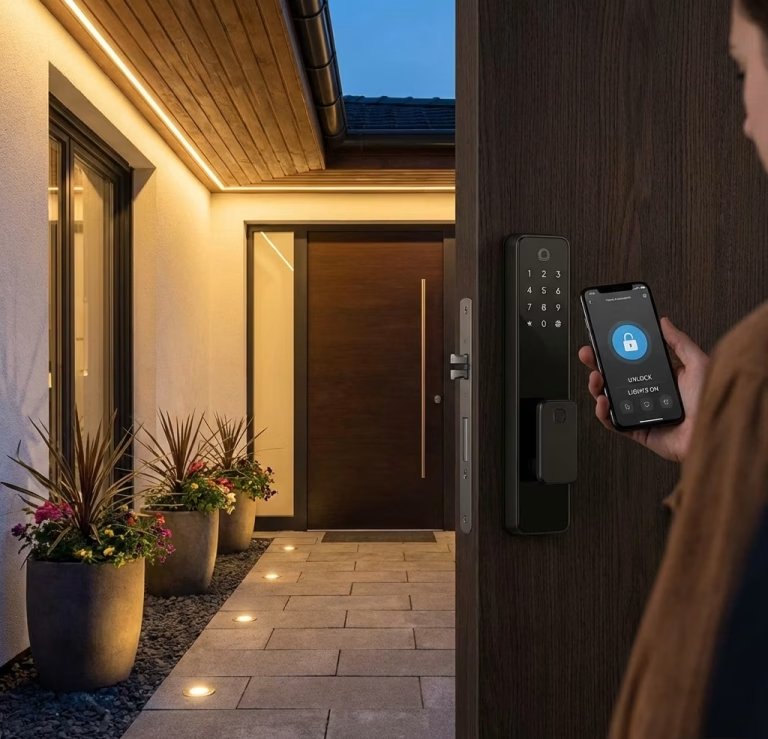
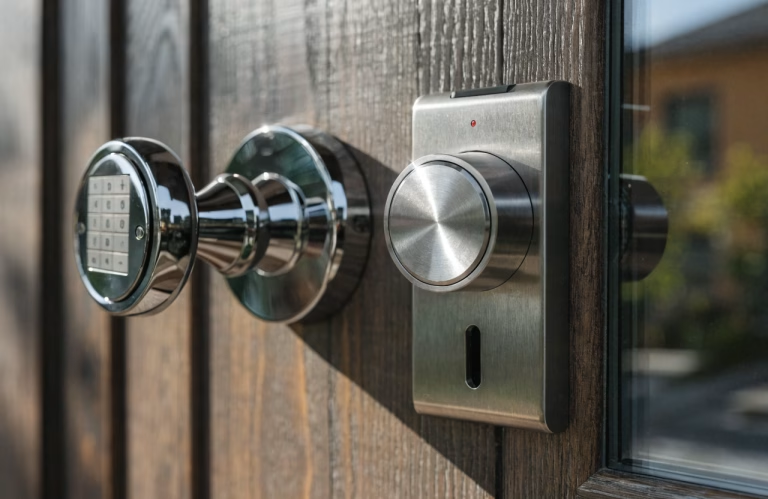
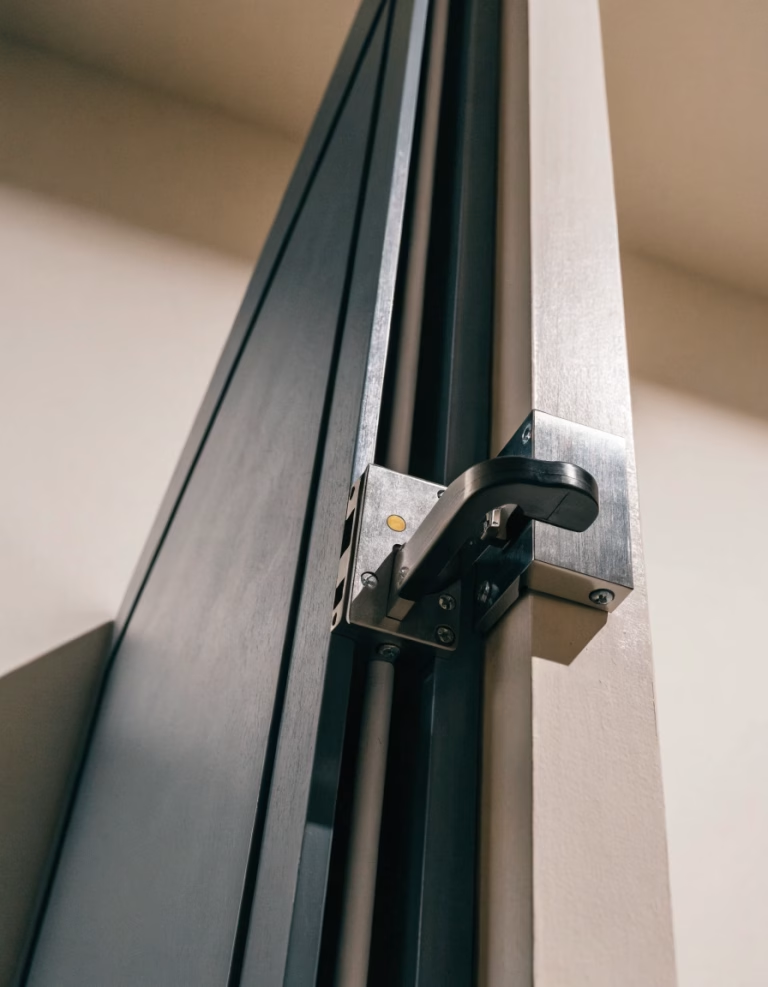
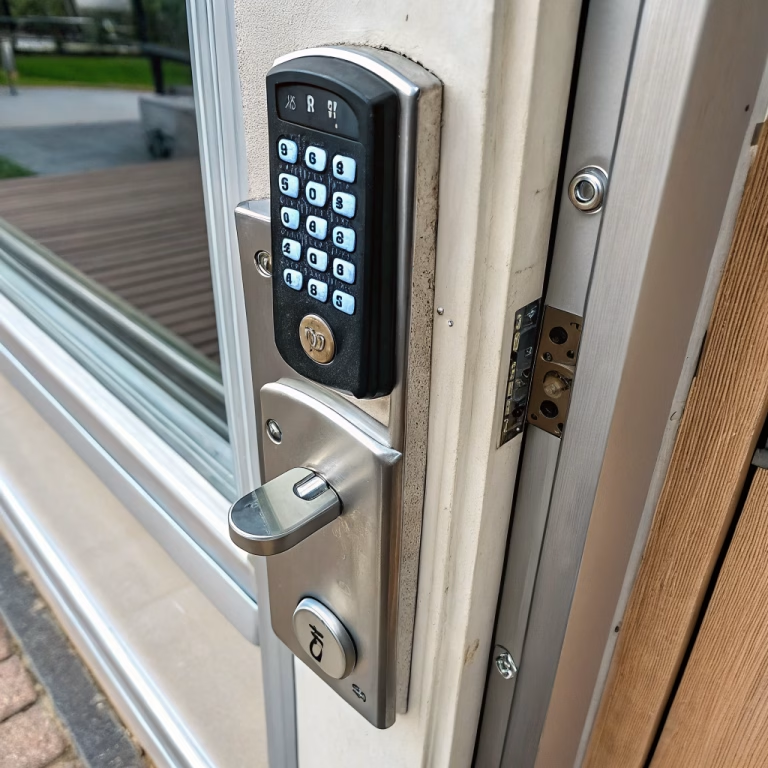
Smart key lock boxes are becoming an increasingly practical solution for rentals, property management, vacation homes, serviced apartments, offices, and commercial facilities. Instead of handing over physical keys in person or relying on fixed mechanical lock boxes with static combinations, property operators can use smart key lock boxes to manage key access remotely, assign temporary credentials, and monitor entry activity more efficiently.
For property managers, rental operators, distributors, contractors, and project buyers, choosing the right smart key lock box involves more than comparing basic lock functions. It requires evaluating access control methods, weather resistance, physical security, connectivity, data protection, and supplier reliability. This guide explains how a smart key lock box works, what features to compare, how to assess outdoor durability, and what buyers should verify before bulk purchasing.
🔐 1. What Is a Smart Key Lock Box and How Does It Work?
A smart key lock box is a secure storage device designed to hold physical keys while allowing access through digital or controlled authentication methods. It combines a physical locking enclosure with an electronic or app-based access system, making it suitable for remote key handover and controlled property access.
Basic working process
In a typical use scenario:
- keys are stored inside the lock box
- the authorized user receives access permission
- access is requested through a mobile app, PIN code, Bluetooth, or another credential method
- the system verifies the authorization
- the lock box opens so the user can retrieve the key
This allows property owners and managers to grant entry without physically meeting the user or disclosing a permanent mechanical combination.
Common technology components
A smart key lock box typically includes:
- secure lock box housing
- locking latch or release mechanism
- electronic control unit
- Bluetooth or Wi-Fi communication module
- battery power system
- app or access management platform
Some models emphasize simple local access, while others are designed for more advanced remote management and rental workflows.
Why this matters for properties
The main advantage is that the system improves flexibility and access control without requiring a full replacement of the door lock itself. In many projects, this makes the smart key lock box a practical option for:
- short-term rentals
- vacation properties
- contractor access
- cleaning staff access
- office key control
- maintenance team coordination
In other words, it is often the easiest way to make key management smarter without rebuilding the whole entry system.
📱 2. How Does a Smart Key Lock Box Provide Secure Remote Access and Key Management?
The value of a smart key lock box comes from combining key storage with controlled, trackable access.
Remote access workflow
A typical remote access process works like this:
- the administrator creates a temporary or scheduled access credential
- the user receives the code or app-based permission
- the user unlocks the box during the allowed access period
- the key is retrieved and returned after use
- access can be revoked or expired automatically
This is especially useful for rental check-in, contractor visits, and cleaning schedules.
Common access methods
Different systems may support one or more of the following:
- mobile app unlocking
- Bluetooth authentication
- PIN code entry
- time-based passcodes
- one-time-use codes
- Wi-Fi remote control
- mechanical backup access
Access management features
For property and commercial use, the most important management functions often include:
- temporary code generation
- scheduled access windows
- user permission control
- access history or logs
- code revocation
- multiple user support
These features help reduce key-sharing risks and improve operational control across different users and time periods.
Practical benefit for operators
For rentals, this means:
- no need for in-person key handover
- easier late-night or self check-in
- faster code updates between guests
For commercial or managed properties, it means:
- better staff access control
- reduced dependency on fixed key holders
- more flexible maintenance coordination
A lock box that can tell you who opened it and when is already much more useful than the old metal box whose main security feature was “please be honest.”
🔍 3. What Features Should You Compare When Selecting a Smart Lock Box?
Not all smart key lock boxes are designed for the same use case. A residential rental property and a commercial facility may require very different access structures, usage frequency, and durability levels.
Access methods
The first comparison point is how users unlock the box.
Common options include:
- app access
- PIN code
- Bluetooth unlocking
- fingerprint access
- hub-connected remote release
- mechanical override key
For most rental and property management scenarios, app + temporary PIN code is often the most practical combination.
Access control functions
Check whether the system supports:
- scheduled code access
- one-time-use codes
- recurring access permissions
- user grouping
- administrator controls
- access logs
- easy revocation of credentials
These functions are especially valuable for:
- Airbnb or short-term rentals
- multi-unit property management
- office key handling
- cleaning and maintenance workflows
Connectivity options
The communication method affects both user convenience and deployment complexity.
| Connectivity Type | Best Use | Main Advantage | Main Limitation |
|---|---|---|---|
| Bluetooth | Nearby local access | Low power and simple setup | Limited remote control |
| Wi-Fi | Remote management | Access from anywhere | Higher power demand |
| Offline PIN | Backup or simple use | Works without internet | Limited logging and flexibility |
| Hub-based system | Managed multi-site access | Better integration and automation | More complex setup |
Capacity and usability
Also verify:
- how many keys it can store
- whether cards or fobs can fit inside
- ease of opening and closing
- app usability
- low-battery notifications
- auto-lock behavior after use
A product may have smart features, but if the real key barely fits, daily use becomes much less intelligent.
🌧️ 4. How Can You Ensure Durability and Weather Resistance for Outdoor Installation?
For outdoor applications, weather resistance is one of the most important selection factors. The lock box may be exposed to rain, dust, sunlight, humidity, and temperature variation for extended periods.
Housing material
Check the body material carefully.
Common options include:
- zinc alloy for a balance of strength and cost
- stainless steel for better corrosion resistance
- hardened steel components for improved anti-theft performance
- aluminum alloy for lighter weight and corrosion resistance in some designs
Weather protection features
For outdoor installation, review whether the product offers:
- IP-rated protection
- water-resistant sealing
- dust protection
- covered keypad or interface
- sealed battery compartment
- anti-rust coating
In many outdoor applications, an IP65 or higher protection level is a good starting point for evaluation, depending on the actual exposure condition.
Environmental performance
Also check:
- operating temperature range
- UV resistance
- humidity tolerance
- corrosion resistance
- freeze or heat performance if relevant to the target market
Common outdoor failure risks
Poorly designed outdoor lock boxes may fail because of:
- water ingress damaging electronics
- rust in the locking mechanism
- brittle seals
- keypad deterioration under sunlight
- weakened housing after prolonged exposure
Outdoor hardware lives a much harder life than marketing photos usually admit.
🛡️ 5. How Do You Verify Data Security Before Selecting a Smart Key Lock Box?
A smart key lock box is not only a physical security product. It is also a connected access device, which means digital security should be evaluated seriously.
Key security items to verify
Before selecting a product, confirm whether the system provides:
- encrypted communication
- secure credential generation
- authenticated app access
- password change support
- firmware update capability
- secure credential revocation
- protection against default password misuse
Better access credential practices
More secure systems often support:
- dynamic codes
- time-based credentials
- one-time-use passcodes
- scheduled code expiration
These are generally safer than permanent shared codes, especially in rental or multi-user scenarios.
Questions to ask suppliers
Project buyers should request clarity on:
- how codes are created
- where user data is stored
- whether credentials are cloud-based or local
- how mobile authentication works
- how updates are delivered
- how access is revoked
- whether the system has known security documentation
Warning signs
Be cautious if a supplier cannot explain:
- encryption standards
- access code logic
- firmware support policy
- admin account security
- long-term app maintenance
A connected lock product with vague digital security is like a safe with a nice paint finish and a suspiciously open window.
🔒 6. How Important Is Mechanical Security and Anti-Theft Design?
Smart features matter, but the physical enclosure still has to resist forced entry. A smart lock box that is easy to pry open defeats the whole point.
Mechanical security features to compare
Look for:
- reinforced latch structure
- thick metal housing
- anti-pry design
- hidden or protected mounting points
- tamper-resistant fasteners
- secure shackle or wall-mount design
Installation method matters
The two most common installation formats are:
- wall-mounted lock boxes
- portable or handle-mounted lock boxes
For fixed property use, wall-mounted solutions are often more secure because they can be anchored more solidly. Portable shackle models are flexible, but may offer less resistance depending on the installation condition.
What project buyers should review
Mechanical evaluation should include:
- housing thickness
- mounting method
- pry resistance
- latch structure
- resistance to repeated outdoor use
- ease of authorized use without compromising strength
Physical security should be considered together with digital control, not as an afterthought.
🏭 7. How Do You Verify Supplier Reliability Before Bulk Purchasing?
For distributors, property solution providers, OEM buyers, and project procurement teams, supplier reliability is critical. A smart key lock box is a product category where hardware, electronics, app performance, and service support all need to work together.
Product and technical documentation
A reliable supplier should be able to provide:
- product specifications
- material details
- IP rating information
- app function description
- battery information
- installation instructions
- security or encryption overview
- warranty terms
Manufacturing and quality factors
Before bulk ordering, review:
- production consistency
- quality control process
- packaging standards
- certification availability
- lead time stability
- spare parts support
- after-sales responsiveness
Practical supplier evaluation table
| Checkpoint | What to Review | Why It Matters |
|---|---|---|
| Outdoor durability | Material, coating, IP rating | Confirms field suitability |
| Digital security | Credential control, app security, updates | Reduces access risk |
| Mechanical strength | Housing, latch, anti-pry design | Supports physical protection |
| User management | Scheduling, logs, revocation | Improves operational control |
| Documentation | Specs, manuals, test data | Supports procurement decisions |
| Supply capability | QC, lead time, support, warranty | Improves project reliability |
Sample testing is essential
Before placing a large order, test samples in the actual environment and workflow.
Verify:
- ease of user setup
- app stability
- opening speed
- code generation logic
- weather sealing
- battery performance
- mount strength
- real key capacity
This step can prevent very expensive disappointment later.
📋 8. What Is a Practical Workflow for Selecting a Smart Key Lock Box?
A structured process helps ensure the selected product fits both the property and the operating model.
Recommended workflow
- Define the use case
Rental property, serviced apartment, office, commercial site, or maintenance access - Decide the access method
App, PIN, Bluetooth, Wi-Fi, or combined control - Choose the installation style
Wall-mounted or portable model - Check weather resistance requirements
Material, IP rating, sealing, operating environment - Review physical security
Housing strength, anti-pry design, mounting protection - Verify digital security and app management
Encryption, access credentials, logs, update support - Evaluate supplier quality and support
Documentation, certifications, QC, service response - Test samples before bulk purchasing
Confirm actual use performance and compatibility with your workflow
This process is especially useful for property managers, real estate operators, distributors, and sourcing teams handling multiple properties or repeat installations.
✅ Final Takeaway
Choosing a smart key lock box for your property means evaluating the product as both a physical security device and a remote access management tool. The right model should allow secure and flexible key handover, support temporary or scheduled access, withstand outdoor conditions, and provide reliable app-based or code-based control.
For ToB buyers and project teams, the most important evaluation points include:
- access method and control logic
- connectivity type
- key capacity and usability
- outdoor durability and IP protection
- anti-theft housing strength
- digital security and credential management
- supplier reliability and technical support
In practical terms, the best smart key lock box is not the one with the longest feature list. It is the one that survives real weather, supports real users, and does not create new problems while solving the old key handover problem. That is the kind of smart hardware projects usually appreciate